Please login to watch videos.
E12. How to Add It to Your Radar — Never Miss a Pour.
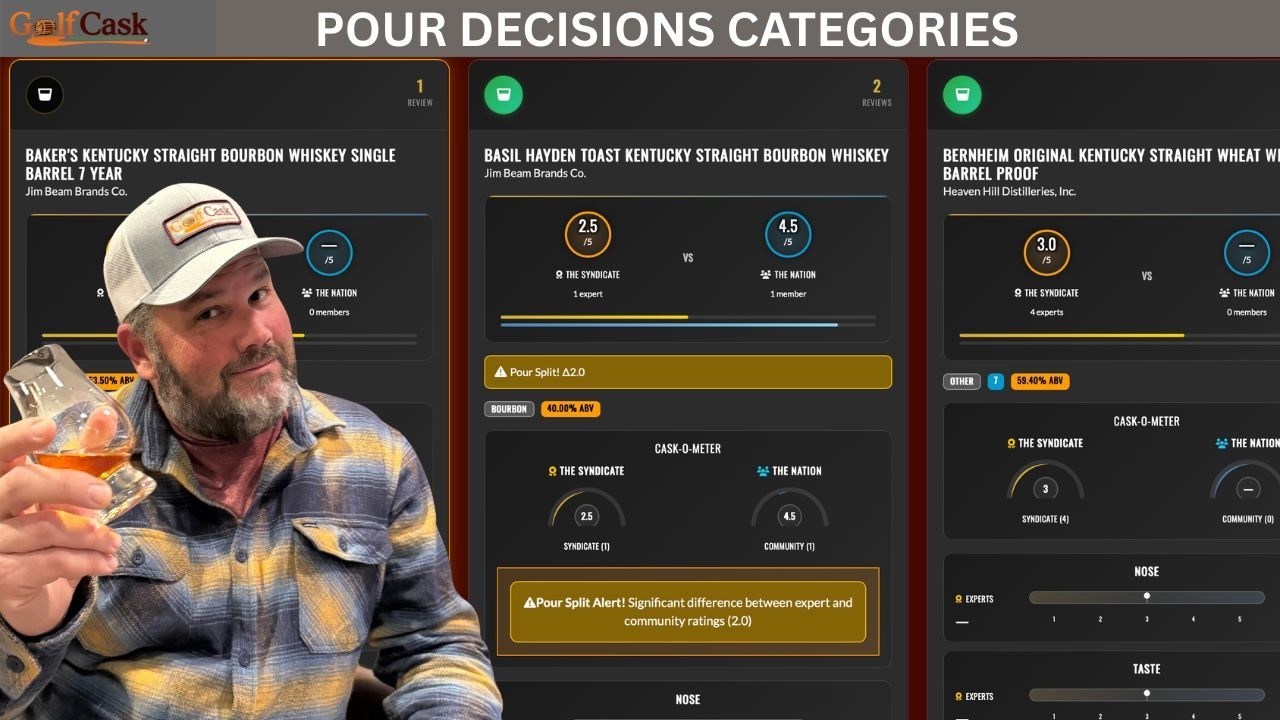
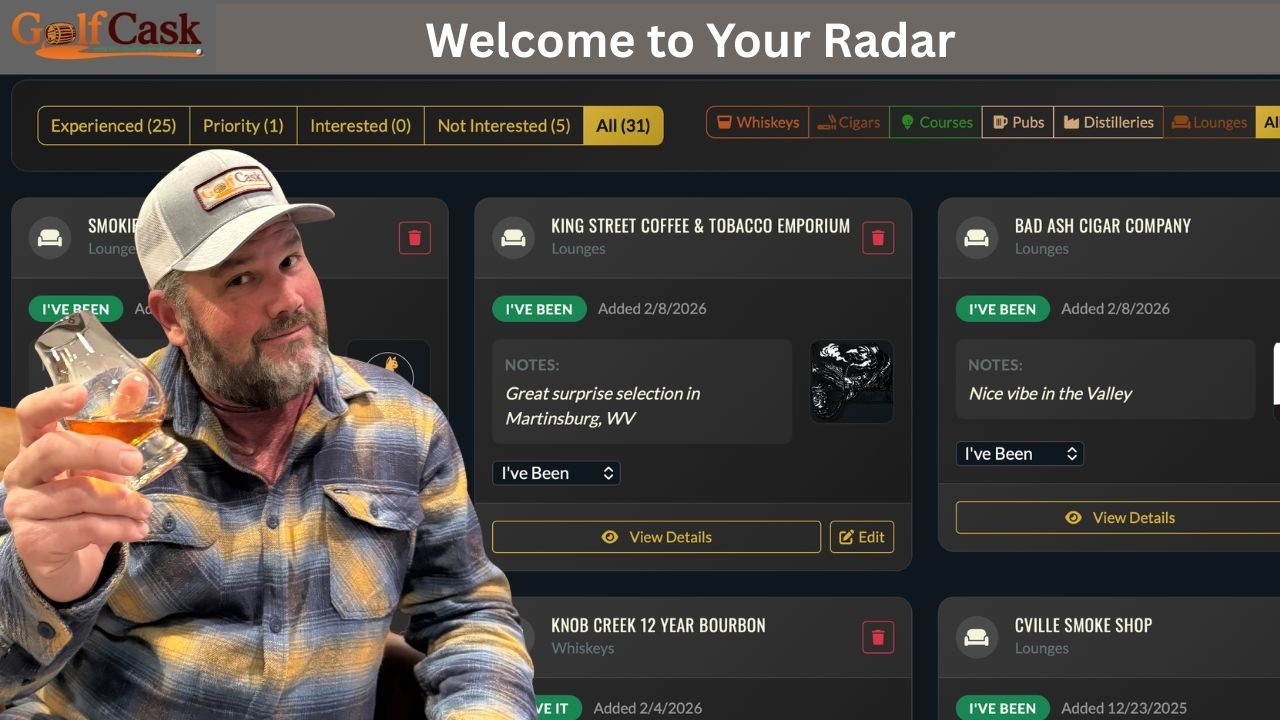
Let’s take a quick look at how to add something to your Radar — your personal GolfCask assistant for whiskey, cigars, and golf. When you find a pour, course, or cigar worth remembering, just tap Add to Radar. Choose your category — I Have It, I Like It, I Need It, Like to Try It, or No Thanks. Then drop a quick note to remind yourself where or why it caught your attention — maybe a friend’s recommendation, a bottle share, or something you spotted in a GolfCask feature or Pour Decisions review. Next time you’re browsing bottles or planning your next round, your Radar has you covered — no guessing, no forgetting. Because at GolfCask, every good pour deserves a second look — and On My Radar makes sure you never lose sight of the ones that matter. #golfcask